Why Custom KVS Design Improves Video Site Performance
A Practical Look at Structure, UX, and Real-World Impact When developing a video site on KVS, custom KVS design plays a key role in…
Your cart is empty
Your cart is empty
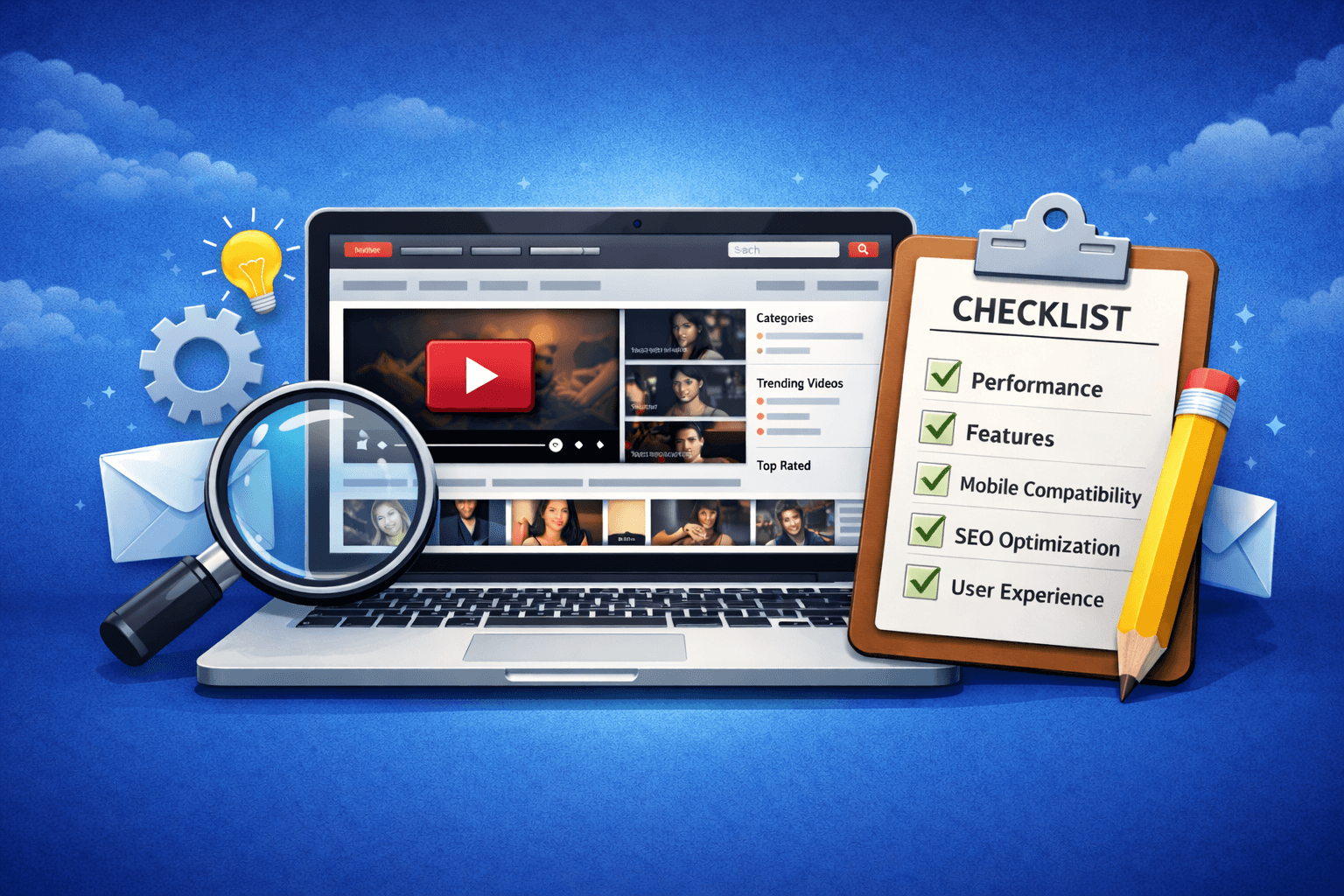
If you are planning to launch a video website using Kernel Video Sharing (KVS), one of the most important steps is exploring the demo version. This is where you build your first real understanding of how your future project will work and whether the system meets your expectations.
A demo is not just about “looking at the site.” It is your chance to see what you will be working with day to day: how the admin panel is structured, how content is managed, and how efficient the overall workflow feels.
However, many users review demos superficially. They focus only on visual appearance while overlooking the aspects that actually determine long-term efficiency and growth.
In this guide, we’ll cover what you should pay attention to in a KVS demo and how to evaluate both the script and theme demos from a practical, real-world perspective.
A demo is not just a preview of the design — it is an opportunity to understand how the system works internally, how manageable it is, and whether it aligns with your goals.
In practice, this is the only stage where you can test the system before making a decision.
In the KVS demo, you can:
This gives you a clear picture of what you are getting and how you will work with it over time.
You can explore the KVS Demo here: KVS Demo
When reviewing the KVS script demo, focus on functionality and system logic rather than design.
These factors determine how efficiently you will be able to manage and scale your site.
Start with the admin panel.
Evaluate:
If the admin panel feels complex at first, that is expected — KVS offers extensive functionality. The demo helps you understand the structure and become comfortable with the system.
Check how video upload and processing works:
This is a core component of any tube site, and it is important to see how the system automates and simplifies these processes.
Pay attention to how the site is structured:
A well-structured site improves both user experience and SEO. It defines how easily users and search engines can navigate your content.
Observe how the interface behaves:
These elements directly impact user experience and long-term engagement.
Many users make the same mistakes, which can lead to poor decisions.
Visual appearance matters, but it is only one part of the system. The real value of KVS lies in its functionality and internal logic.
Some users never explore the admin panel, even though this is where most of the work happens.
This often leads to unexpected challenges after launch.
A demo should be evaluated not only in its current state, but also with future growth in mind.
KVS is built to handle large volumes of content. What matters is how well the workflows and structure are organized — this is what determines how efficient the system will be to manage at scale.
Once you understand how KVS works, the next step is choosing a theme.
Theme demos allow you to see how your site will look and behave from a user’s perspective.
Pay attention to:
Follow the user journey:
This helps you evaluate how natural and comfortable the experience feels.
Check which features are included:
These directly influence engagement and session depth.
A demo is not a formality — it is a critical step in choosing both the platform and the theme.
By evaluating it correctly, you can understand how your site will function, how efficiently you will manage it, and what opportunities the system provides.
Look beyond design and focus on logic, structure, and long-term potential.
This approach helps you avoid mistakes, save time, and choose a solution that truly fits your project.